
Film Mode
Tape Is Back.
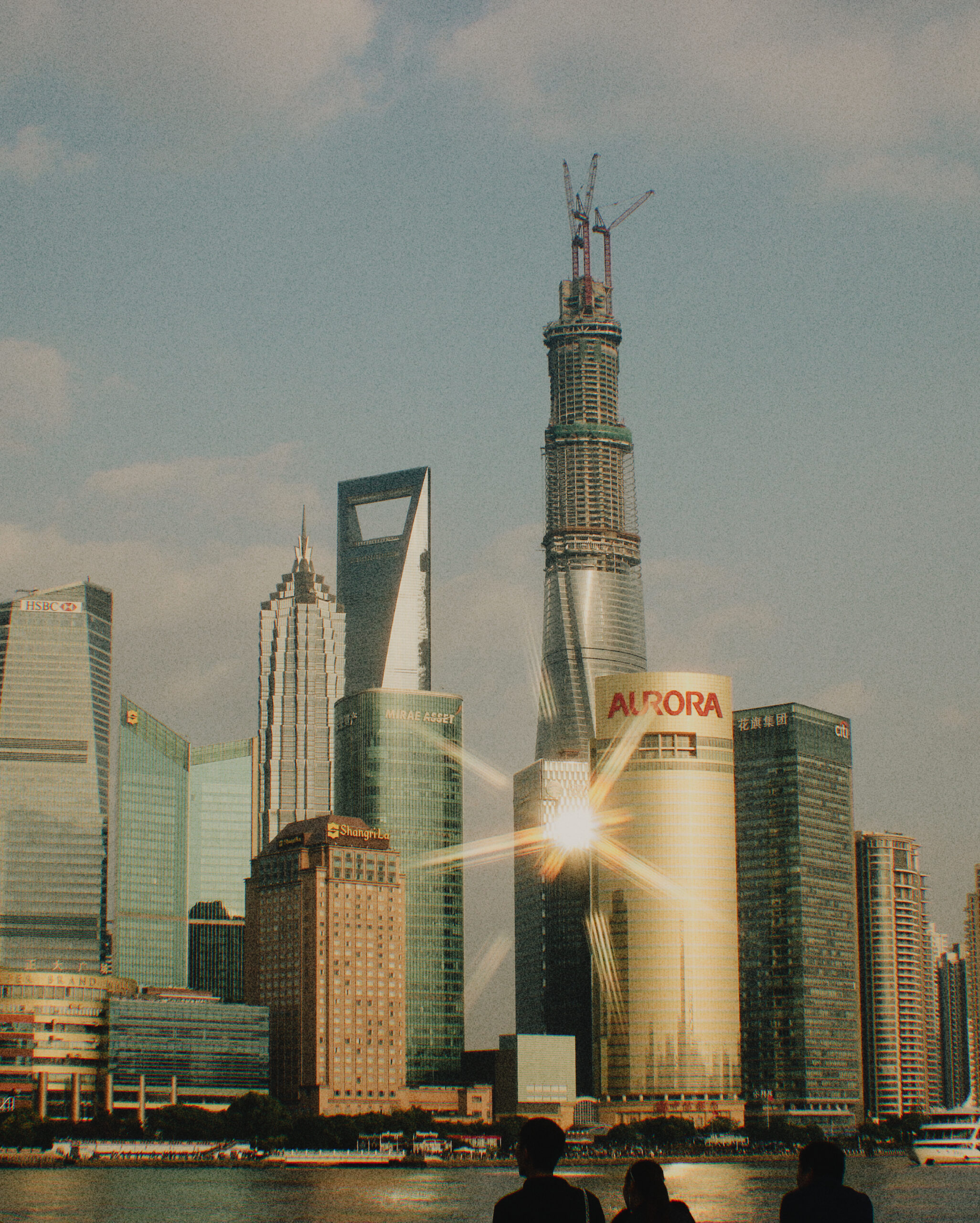
Photo stocks with real grain and halation, rendered in the viewfinder instead of added in post. Shoot like it’s 1996. Post like it’s now.
Free to start. Try Creator or Pro free for one week.
Download
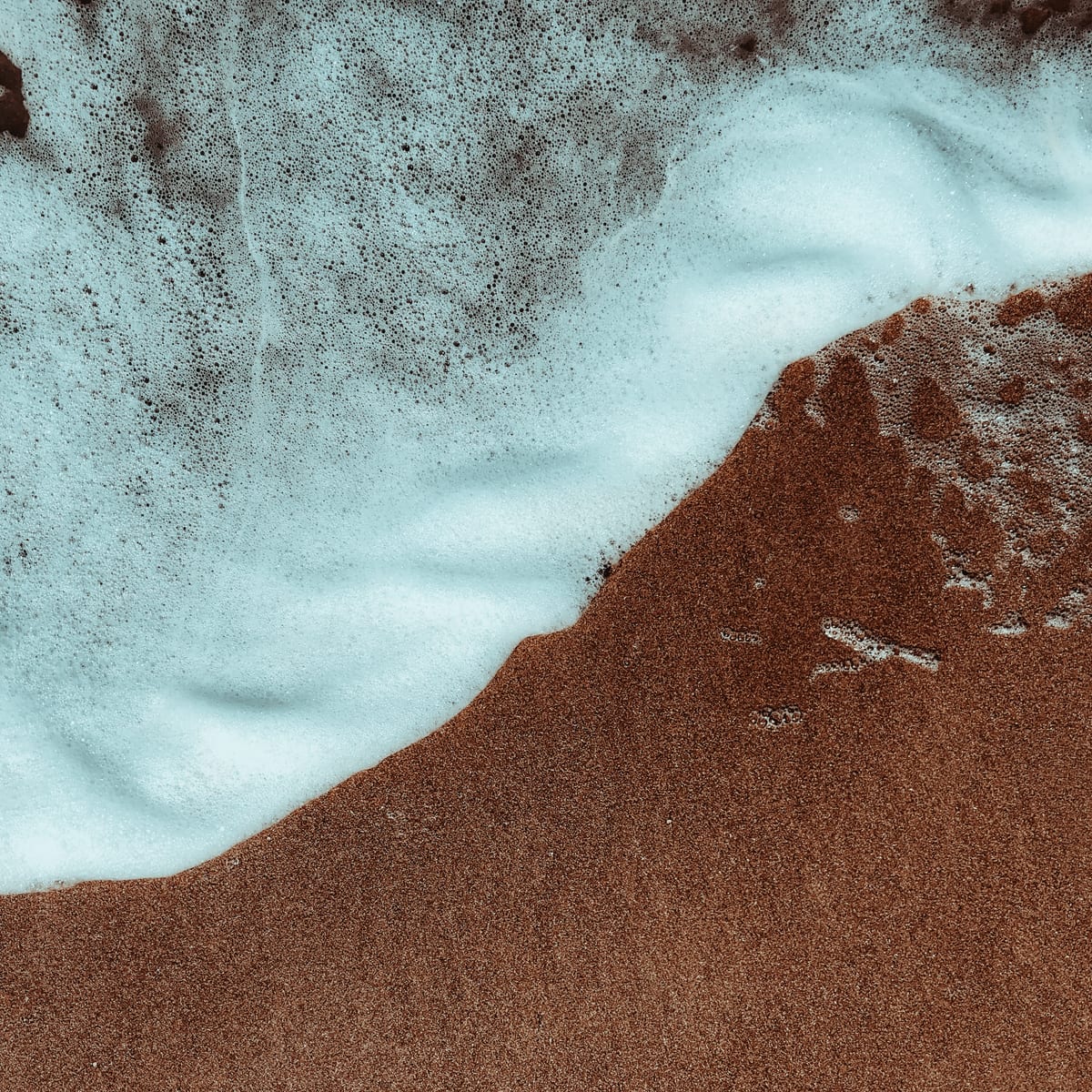
Pro Colors
Lookdrop is the color grading app and pro camera for iPhone. Pick a look made by a photographer you love and watch it render live in the viewfinder. The photo is finished the moment you press the shutter, at full quality, with nothing left to edit. When you want to go further, Studio finishes stills, reels, and carousels without leaving the app.
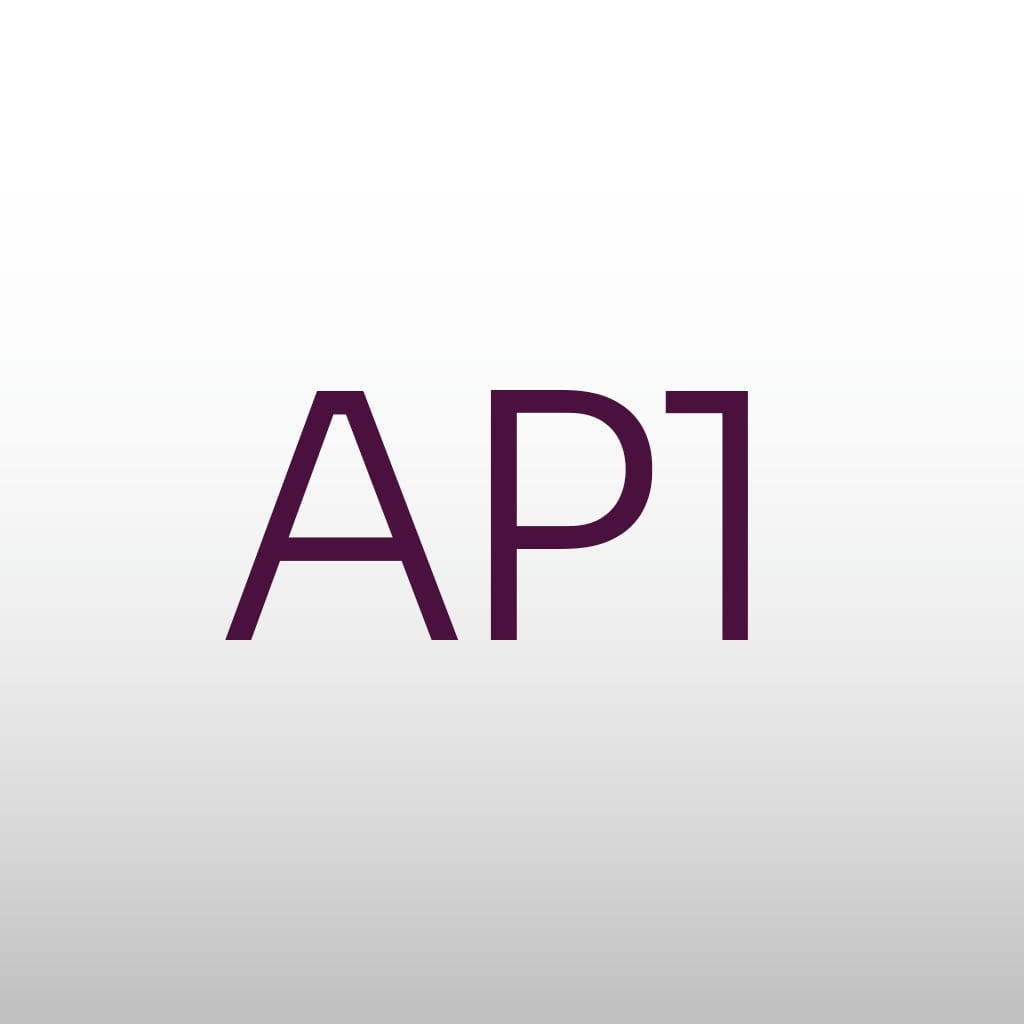
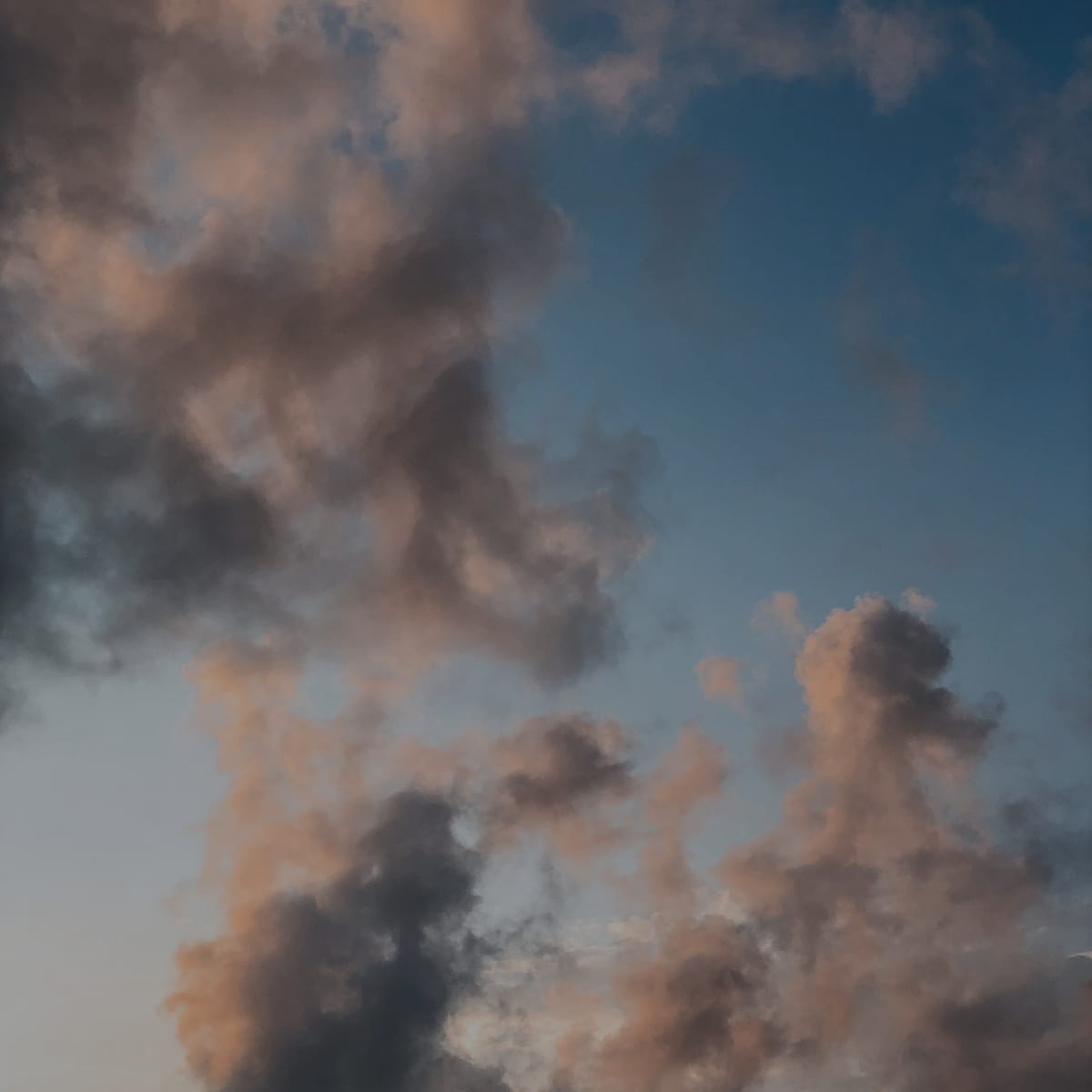
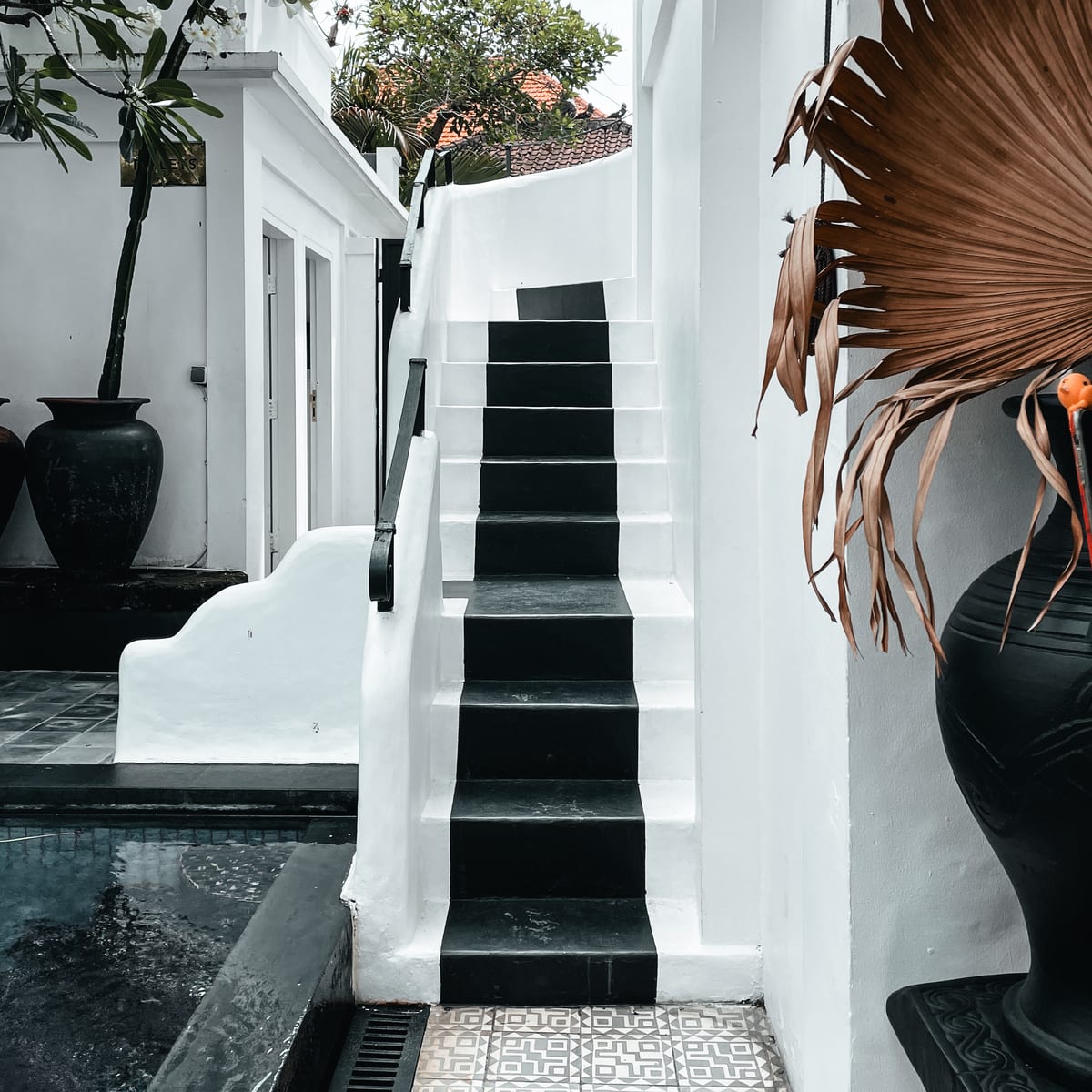
Every Pro Color is built by someone who shoots for a living, then tuned to render live on iPhone. Film stocks, cinematic grades, clean portrait color, and moody monochrome. Pick one before the shot, not after.
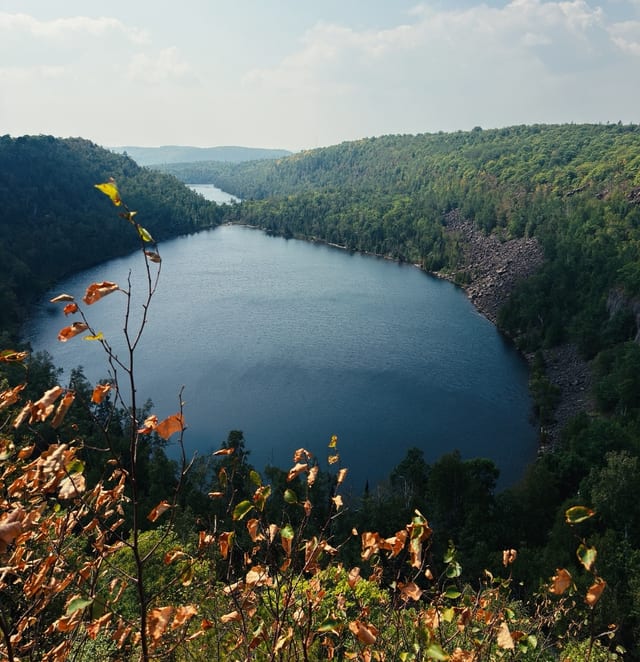
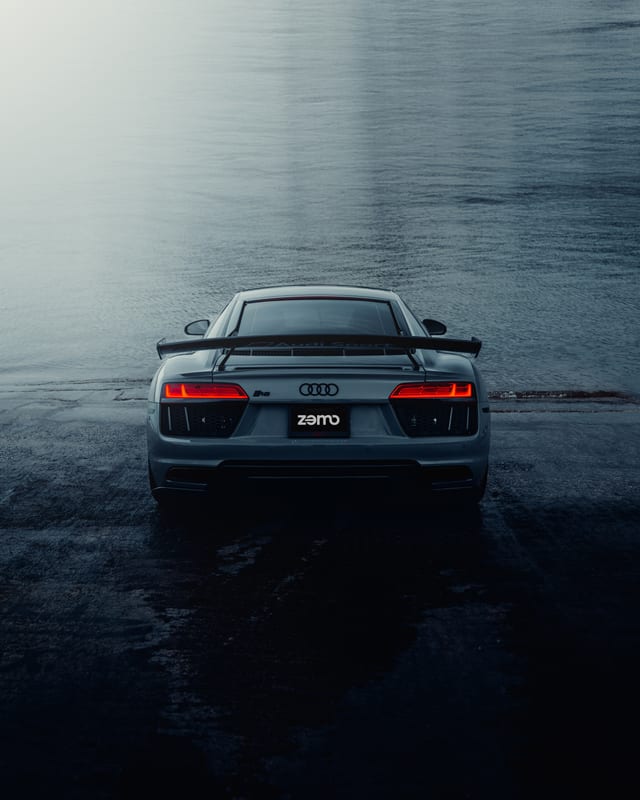
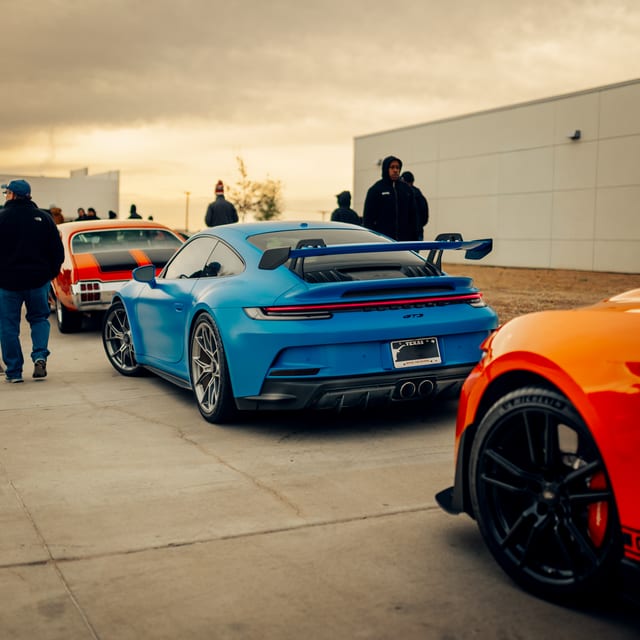
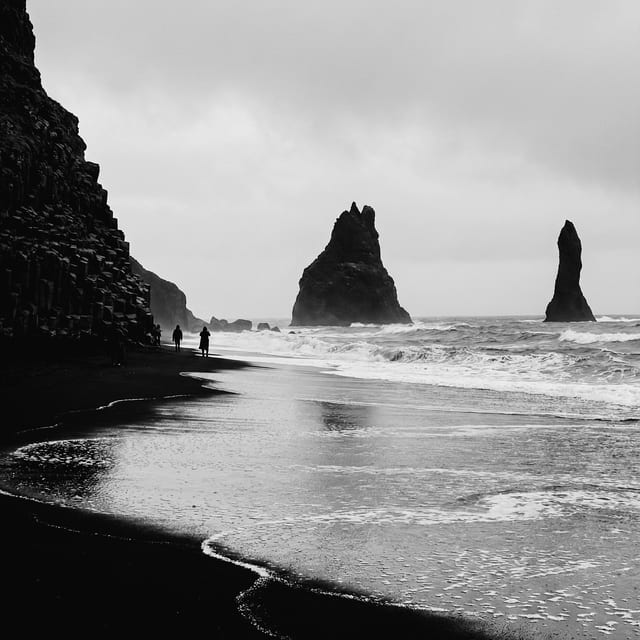
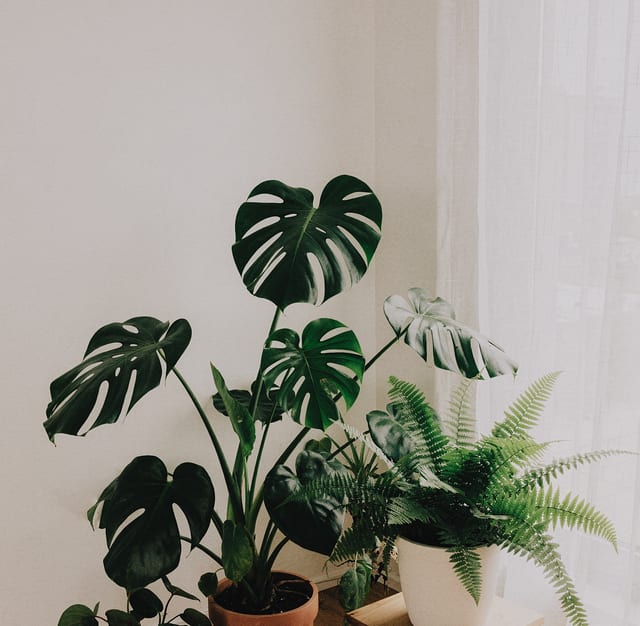
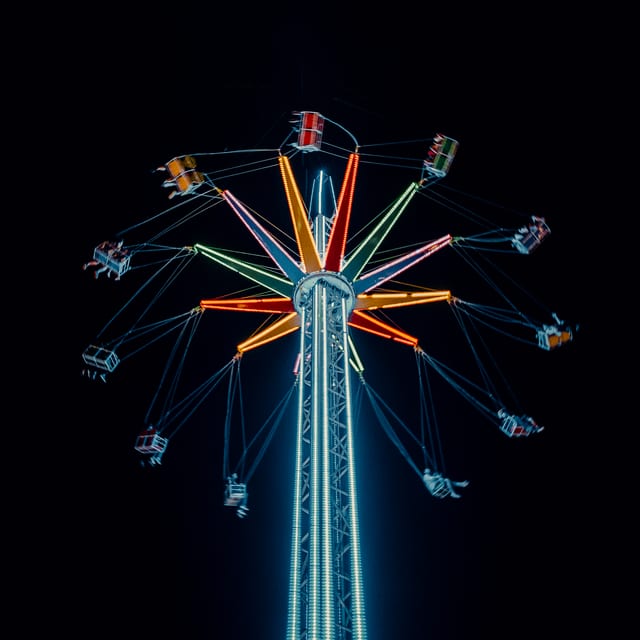
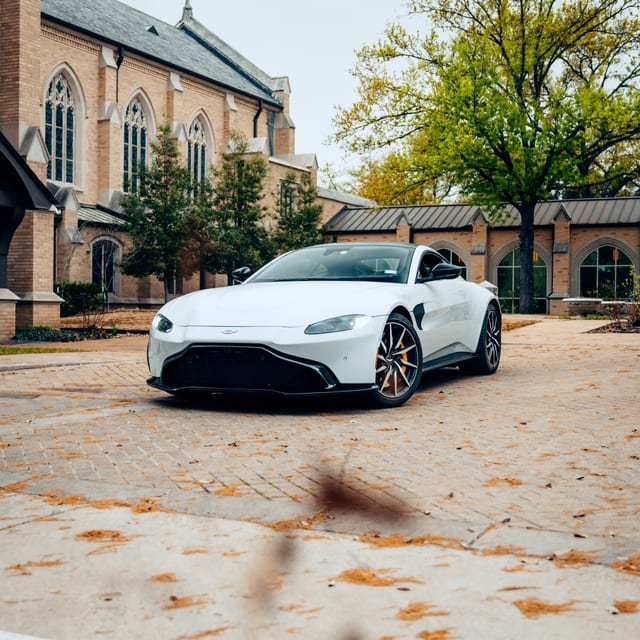
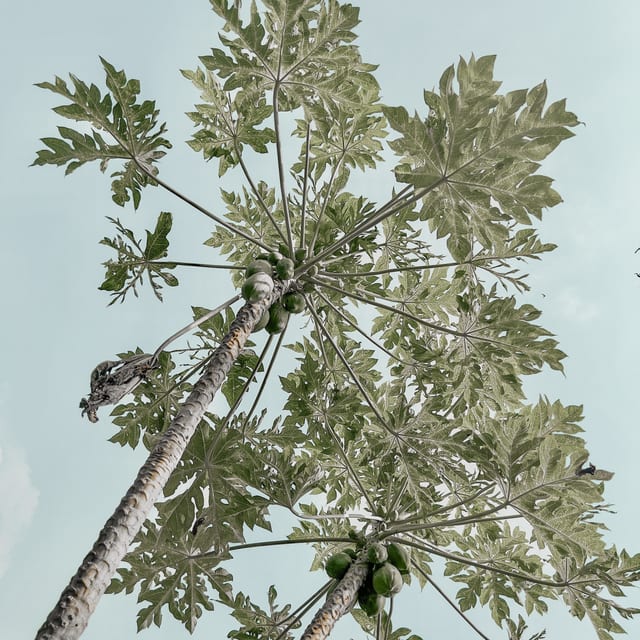
Pro Colors inside the app, and creators keep dropping new ones.
See Them AllSwipe through Pro Colors and the viewfinder changes in real time, so you choose the look while the moment is still in front of you. What you see is the file you keep.

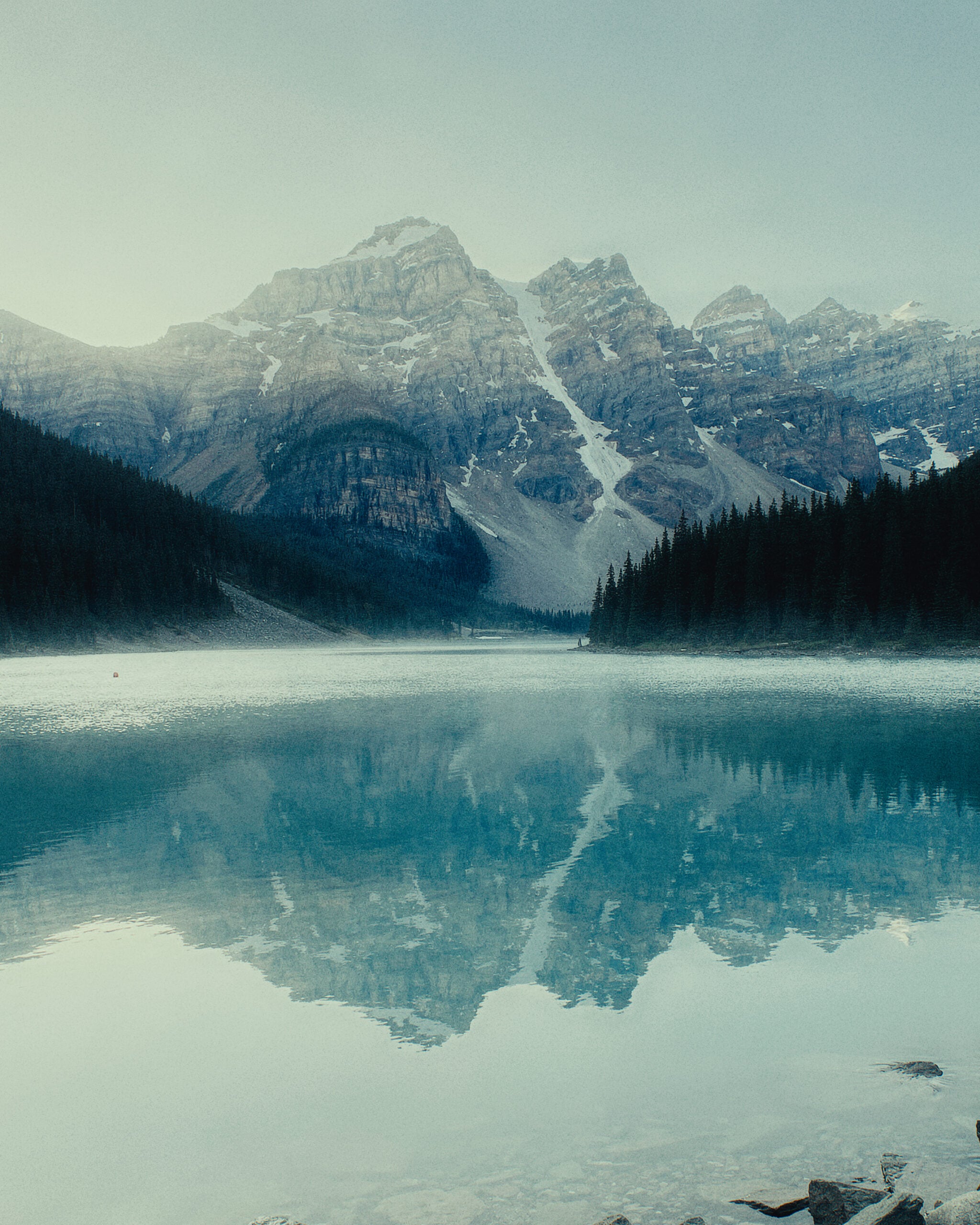
Pro Camera
Live Looks
Swipe the look ring and the viewfinder changes with you. What you frame is what you keep, already graded, with nothing left to fix later.
Under every look is a real pro camera. Manual ISO, shutter, white balance, and focus sit one tap away, with a histogram and grids when you want them. Shoot 48MP ProRAW, or roll Apple Log and ProRes and grade each clip later. Every lens is here, from 0.5x to telephoto.
48MP ProRAW, HEIF, and JPEG
Manual ISO, shutter, white balance, and focus
Histogram and grids on tap
Apple Log and ProRes
Cinematic and HDR capture
Stabilization that holds up, plus per-clip grading
Camera Control and Lock Screen capture
Every lens, 0.5x to telephoto
Rigs: save your whole setup and share it as a QR code
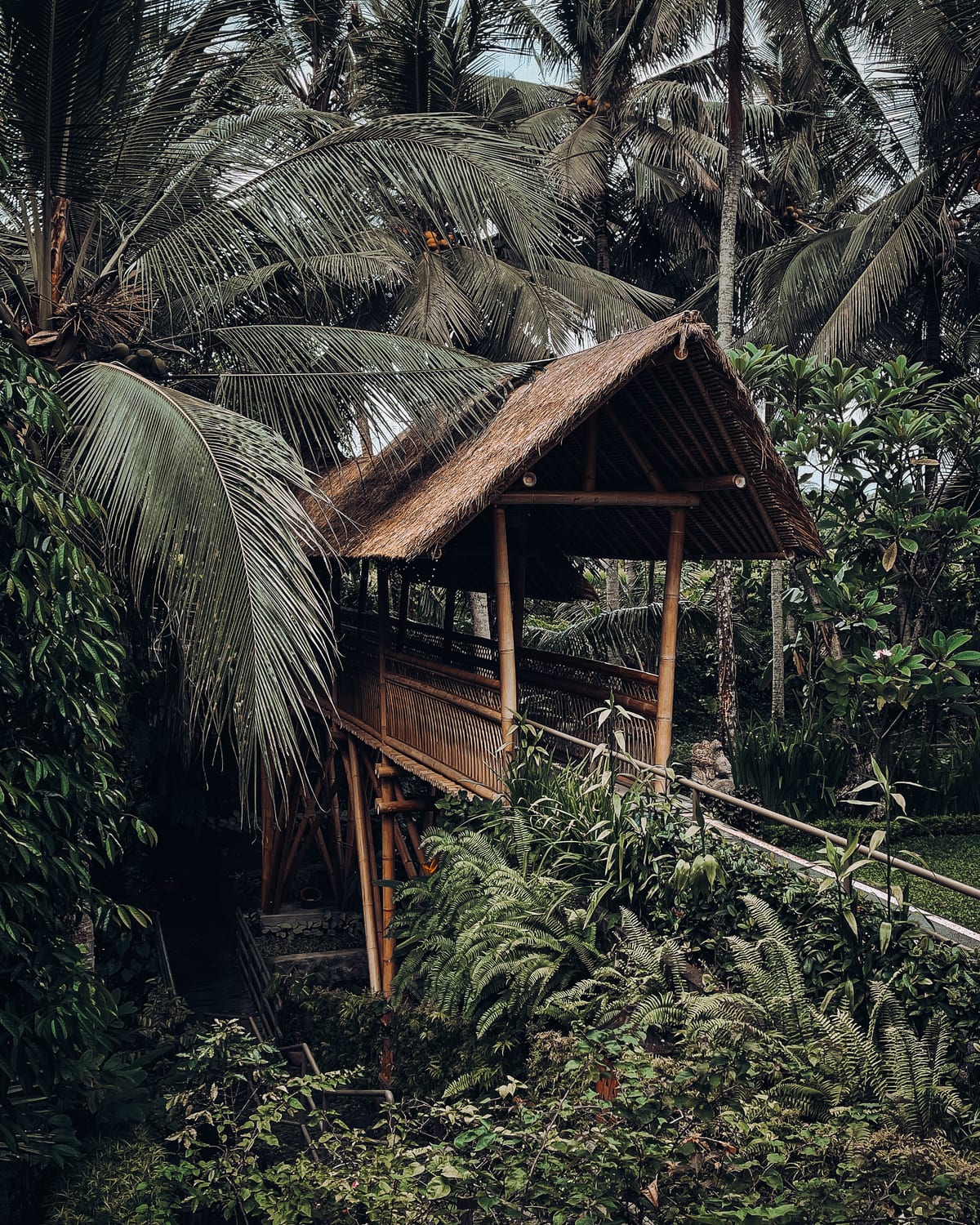
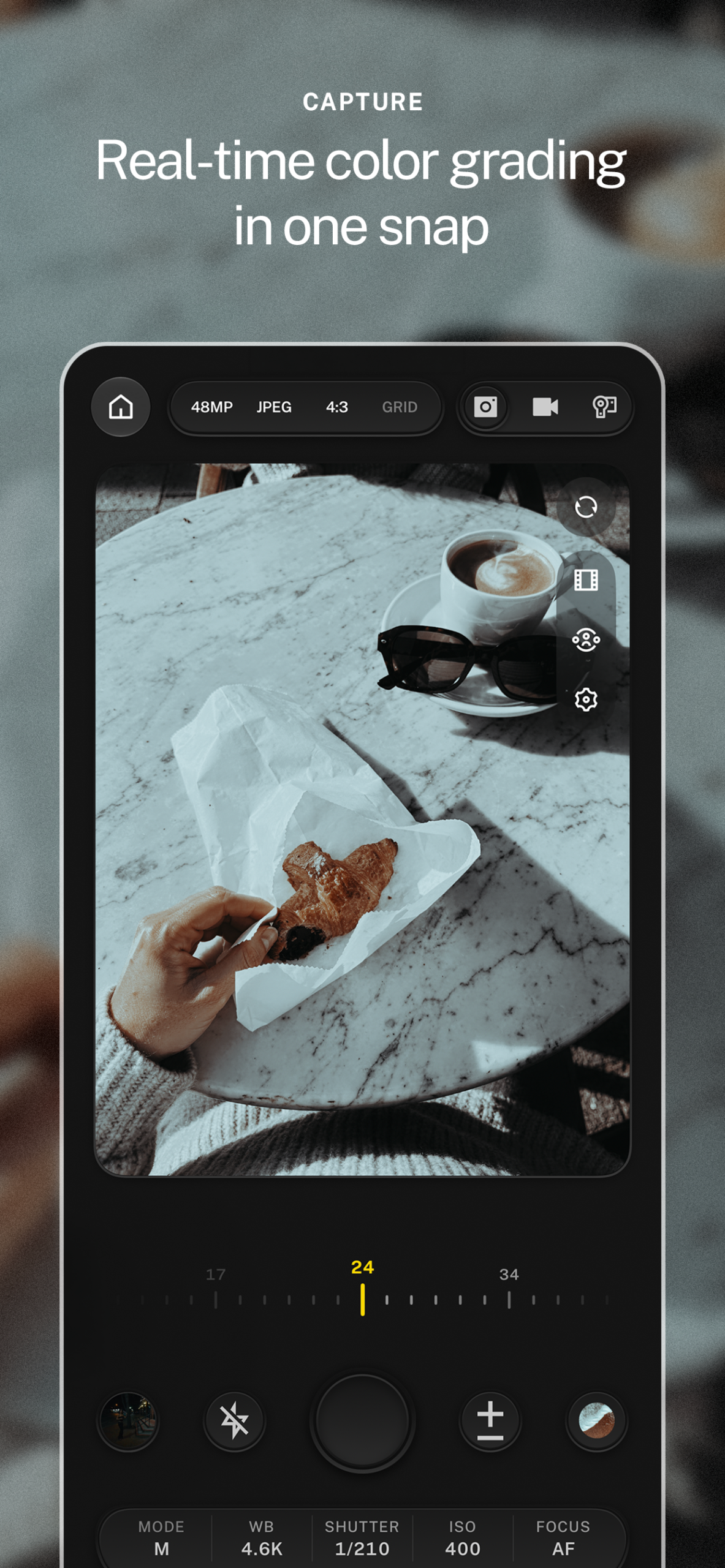
Manual controls. ISO, shutter, white balance, and focus, right on the viewfinder instead of three menus deep.
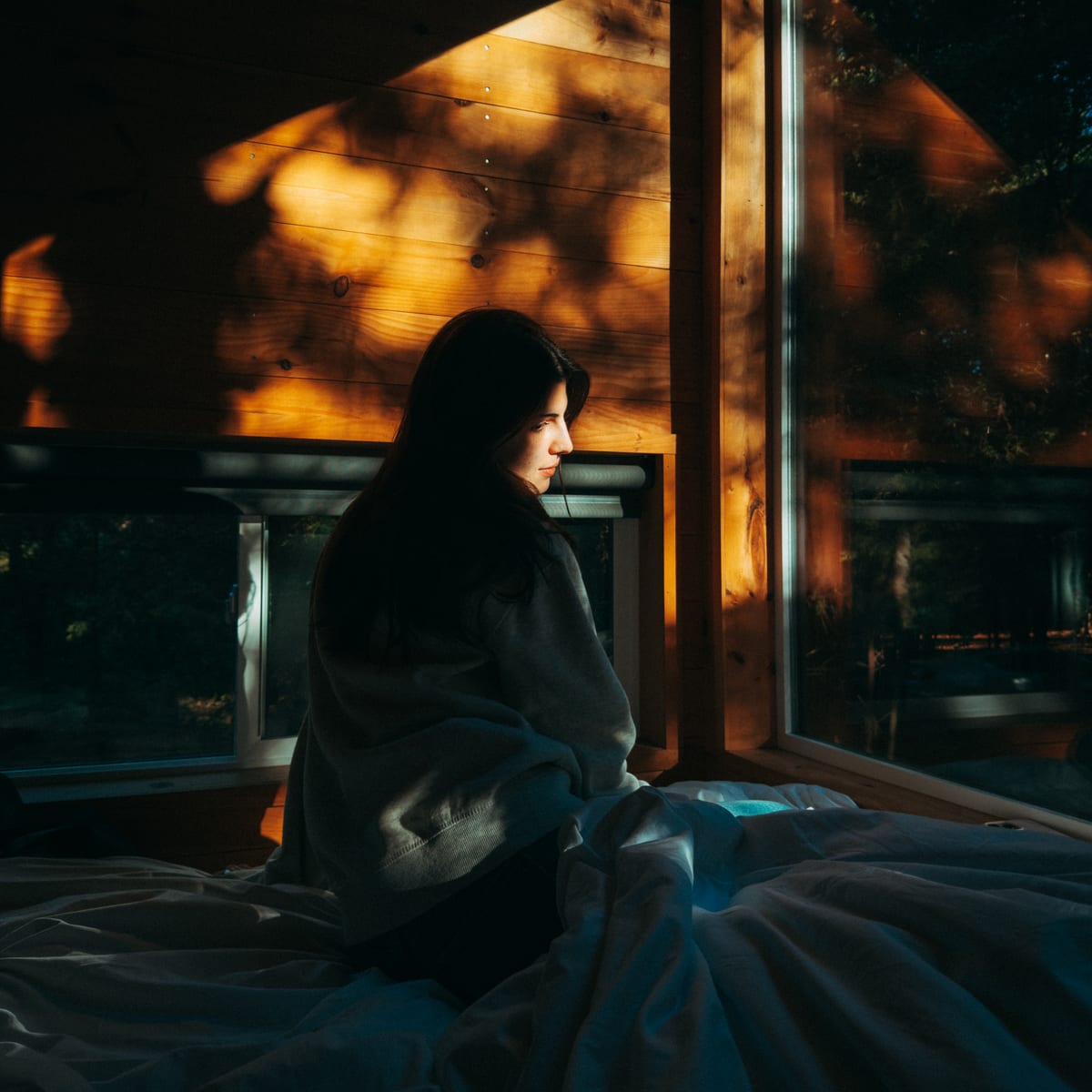
Histogram and grids. Check exposure and composition live, then hide them the moment you want a clean frame.
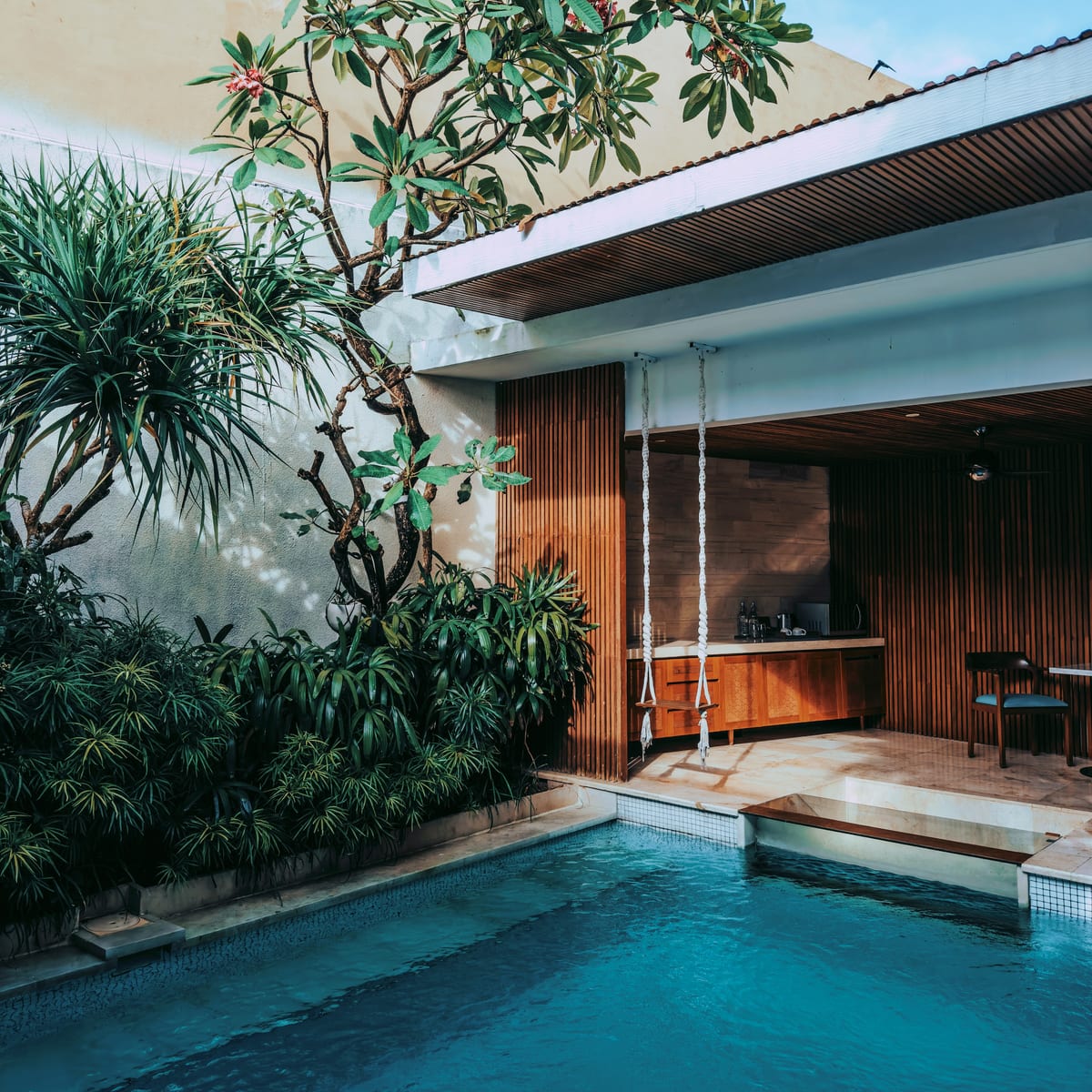
Every lens. From 0.5x ultra wide to telephoto, with the look staying live as you switch.
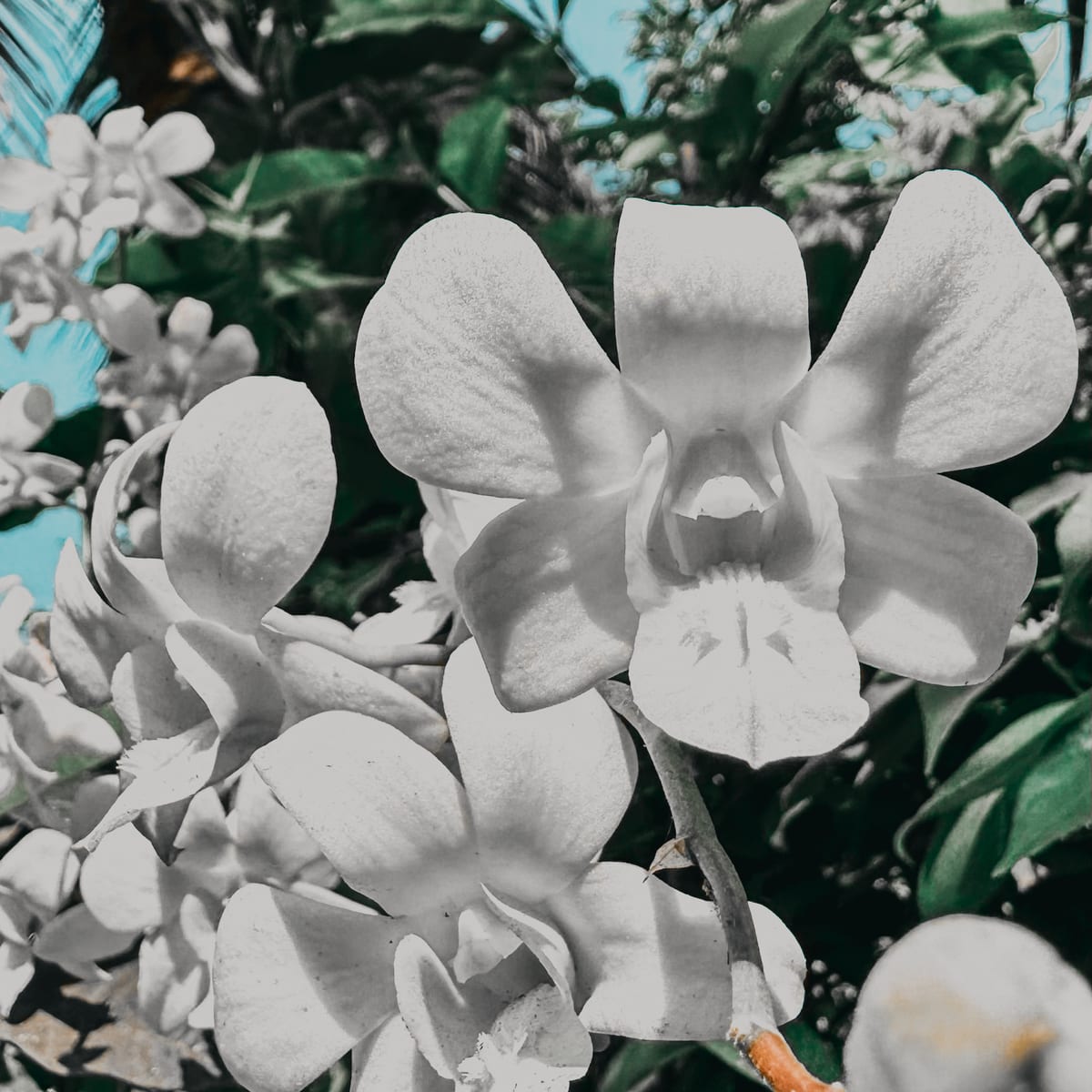
Camera Control and Lock Screen. Open straight from the Lock Screen and shoot with Camera Control on iPhones that have it.
Film Mode
Photo stocks with real grain and halation, rendered in the viewfinder instead of added in post. Shoot like it’s 1996. Post like it’s now.
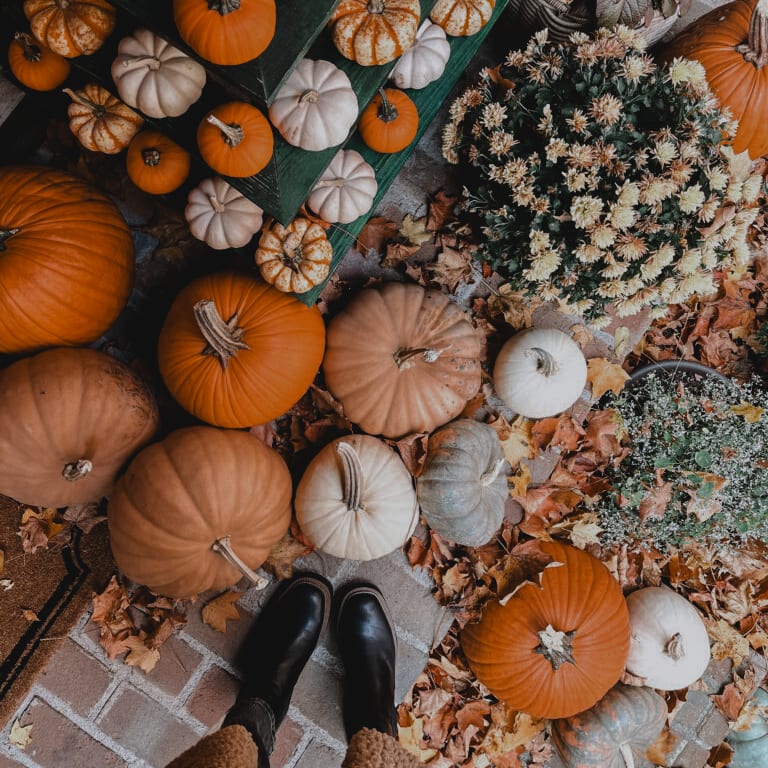
Rigs. Save your whole camera setup and share it as a QR code.
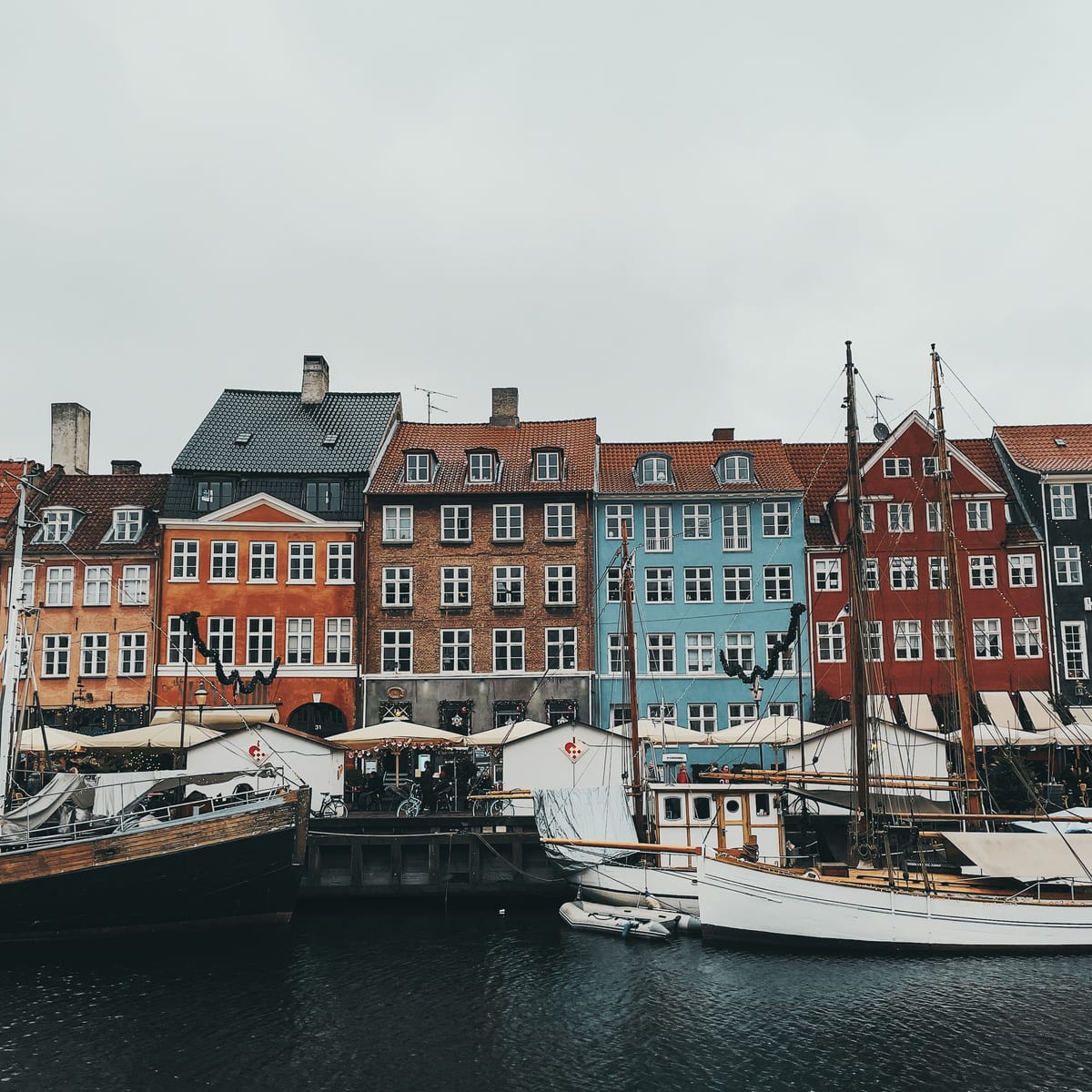
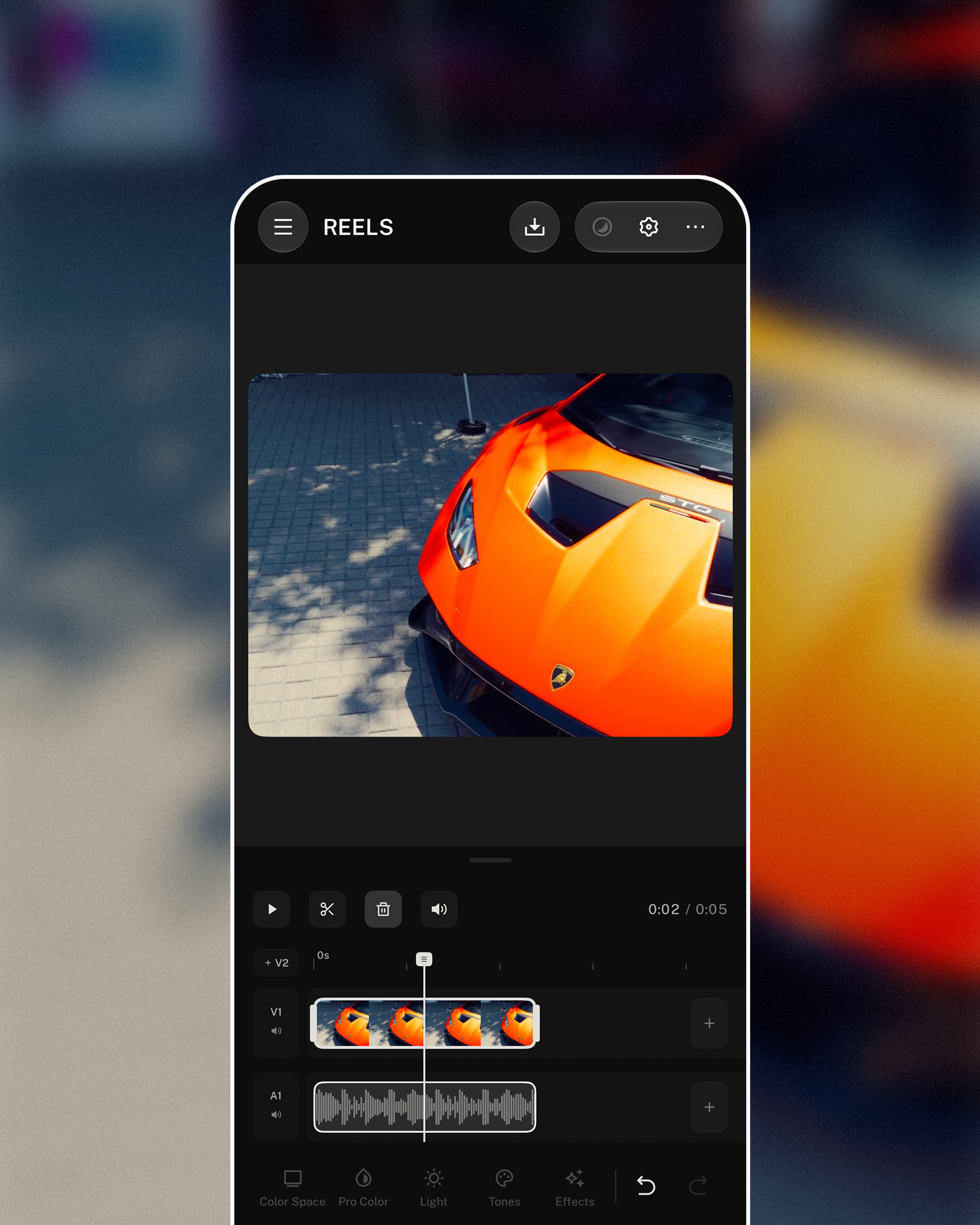
Apple Log and ProRes. Cinematic video you can grade clip by clip in Reels Studio.
Select, sort, and share your shots the way you do in Photos, without leaving Lookdrop.
Workflow
Editing used to happen after the shot. Lookdrop moves it in front of the shutter, so the photo is finished the moment you take it.
Studio
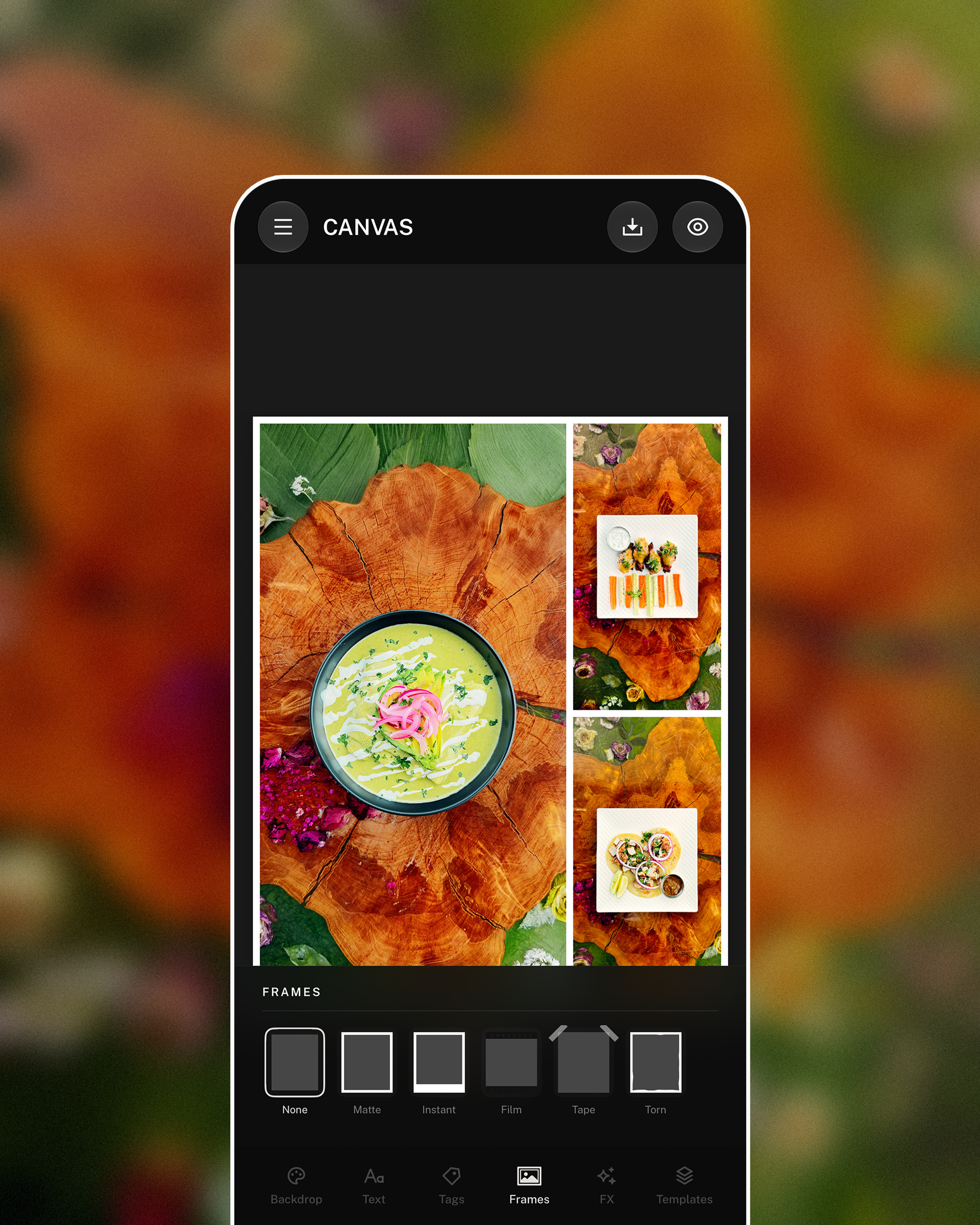
When the look is only the start, Studio takes stills, reels, and carousels the rest of the way. Same app, same library, same color.
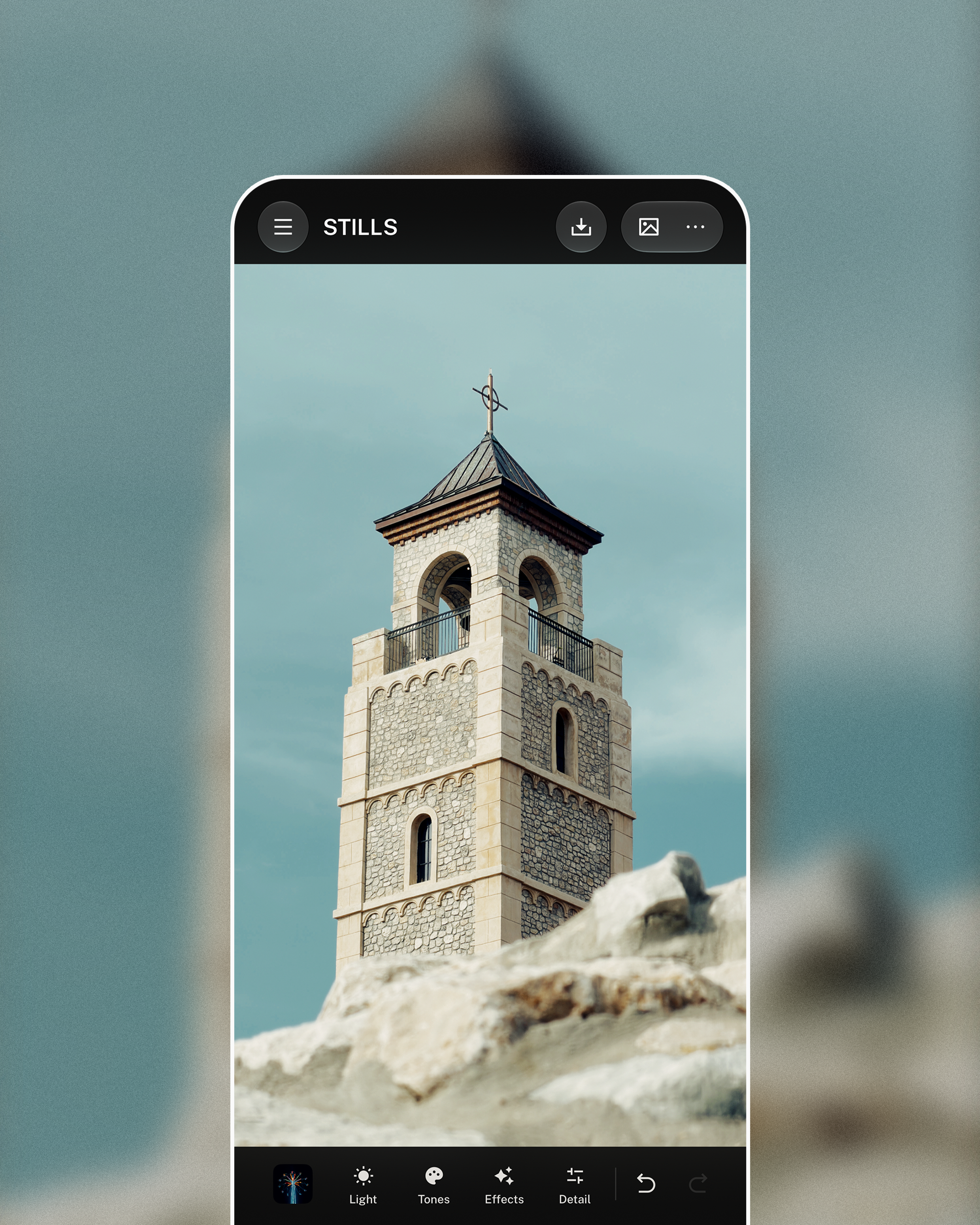
A full photo editor for the days the look is only the start.
A multi-track video editor built for the phone in your hand.
Design the post, not just the photo.
Drops
No comments. No counts to chase. Share your work, build moodboards, and follow creators who see the way you do.
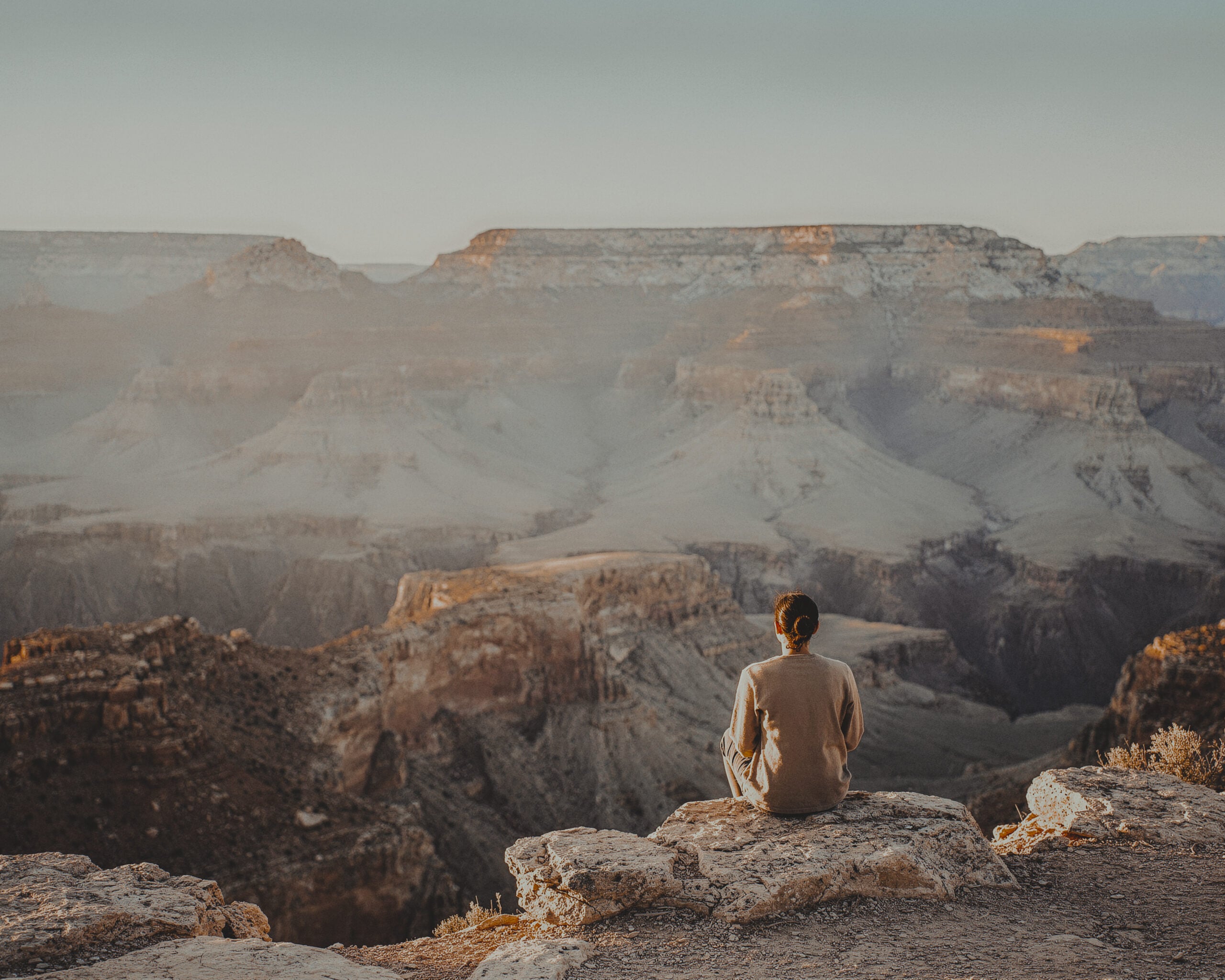
Save frames and looks into boards that shape your next shoot.
A quiet feed of people who see the way you do. No counts to chase.
Share the look behind a photo so anyone can shoot in it.
Try Creator or Pro free for one week. Cancel anytime in the App Store.
For trying the vibe.
$0
Free forever
Download FreeFor people who shoot every week.
$4.99/mo
or $49.99/yr
Try Creator FreeFor the ones who ship every day.
$9.99/mo
or $99.99/yr
Try Pro FreeI wasn't expecting this level of control from an iPhone app. The manual settings work how they should, and the real-time grading actually changes how I shoot.
Marcus W.Professional Photographer
We've started using it for BTS client shoots when we need to move quickly. Grading in real time means less post work for the team.
David P.Creative Director
I used to spend way too much time editing. Now I just pick a color, shoot, and I'm done.
Jenna R.Content Creator
I manage content for three brands, so anything that saves time is huge. Shooting and posting without opening another app has genuinely made my job easier.
Sarah C.Social Media Manager
When I'm traveling, I need to post quickly. Lookdrop makes that possible without sacrificing quality.
Alex T.Content Creator
Pro Colors render in the viewfinder in real time. Frame the shot, watch the grade apply live, press the shutter. The file that lands in your library already carries the look, at full quality.
Yes. The Hi8 camcorder costs nothing. Real tape look, no watermark, no catch. Creator and Pro unlock the full camera, Studio, and the expanded look library.
No, and that’s the point. Shoot in a look, capture once, and post. When you want to go further, Stills Studio has light, color, HSL, grain, and masks.
Lookdrop is tuned for iPhone 15 and newer, where the camera hardware can do its best work.
Creator: the real camera with manual control, the full library of 50+ photographer-made Pro Colors live in the viewfinder, full access to Studio, and the Drops community. Pro: everything in Creator plus cinematic Apple Log and ProRes video, 48MP ProRAW, advanced manual control, and first access to new looks and features. Both start with a one-week free trial.
The look you are after already exists. Put it in the viewfinder, press capture, and post. Lookdrop is free to try today.
New to Lookdrop? Here's Creator on us. Download and select Creator to start your trial.
Try Creator