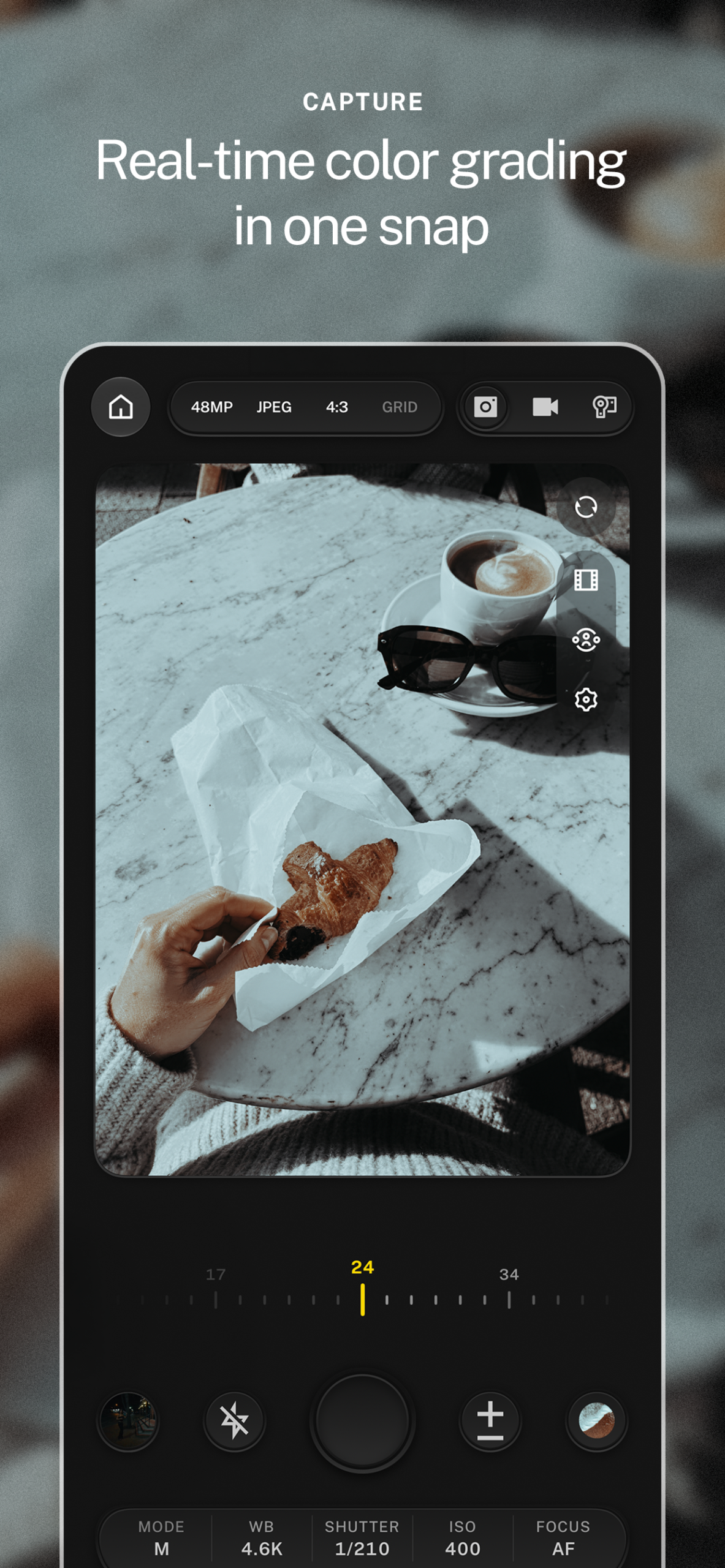
Hi8 Camcorder
The Free Camcorder App
for iPhone.
Lookdrop turns your iPhone into a 90s Hi8 camcorder. Scanlines, chroma bleed, crushed audio, and a date stamp, rendered live while you record. It is free, with no watermark.
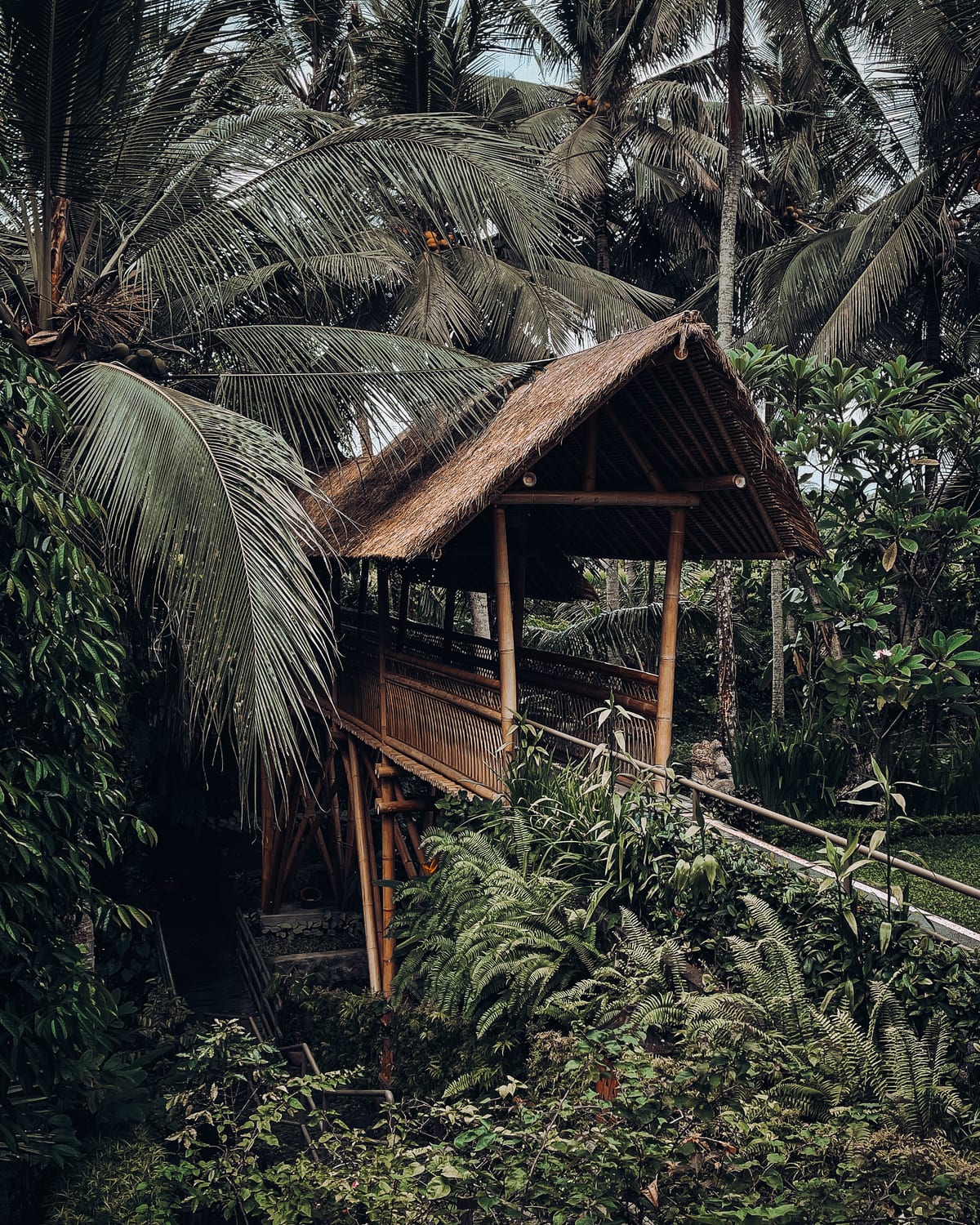
Looking for an app that makes video look like an old camcorder? Open Lookdrop, switch the camera to Camcorder, and record. The Hi8 look renders in the viewfinder as you shoot, in 4:3 at 30 frames per second, so every clip comes out finished, with no editing and no watermark.
The Whole Tape Look.
None of the Tape.
Real Hi8 Texture.
Scanlines, chroma bleed, and soft tape detail, drawn live over the viewfinder instead of stacked on later.
Crushed Audio.
Sound gets the narrow, slightly blown-out character of a tape deck, so the clip sounds like it looks.
Date and Counter.
The classic on-screen date, tape counter, and REC light, burned into the clip or kept off it. Your call.
Free. No Watermark.
The camcorder is free in Lookdrop, and nothing gets stamped on your video but the date.
How to Shoot
Camcorder Video.
- Get Lookdrop. Download it free from the App Store on your iPhone.
- Switch to Camcorder. The capture switch goes Photo, Video, Camcorder. The Hi8 look and on-screen display appear right away.
- Press record. Frame the shot for the look you see. When you stop, the clip is already finished.
- Post it. Share straight from the app or your library. No watermark, no export step.
Shot on Tape.
Not Faked Later.
| Lookdrop Camcorder | A VHS filter added later | |
|---|---|---|
| See the look while you shoot | Yes, live in the viewfinder | No, only after editing |
| Audio treated to match | Yes, crushed tape audio | Usually not |
| Frame shape and cadence | 4:3 at 30 fps, set for you | Whatever you shot, cropped |
| Date stamp and counter | Built in, on or off | Often a sticker overlay |
| Extra steps | None. Record and post. | Import, apply, export |
| Price | Free, no watermark | Varies |
Want more than tape? The same camera shoots film looks and Pro Colors live, plus Film Mode stocks with real grain and halation. See plans.
Camcorder Questions.
Is the Lookdrop camcorder app free?
Yes. The Hi8 camcorder is free in Lookdrop, with no subscription needed and no watermark on your clips. Creator and Pro add the full pro camera, Pro Colors, and Studio.
Does it add a watermark to my videos?
No. Clips you record in camcorder mode save to your library clean, ready to post.
What does camcorder mode record?
Camcorder mode records 4:3 HD video at 30 frames per second, the shape and cadence of a 90s tape camera, with the Hi8 look and treated audio rendered live while you shoot.
Can I hide the date stamp and counter?
Yes. The on-screen date, counter, and REC display can be burned into the clip or kept off the file with the Record Overlay setting, while the camcorder look itself stays.
How is this different from a VHS filter in an editing app?
A filter is added after the fact. Lookdrop renders the camcorder look in the viewfinder while you record, so you frame and time the shot for the look, and the clip is finished the moment you stop.
Stop Editing. Start Shooting.
The look you are after already exists. Put it in the viewfinder, press capture, and post. Lookdrop is free to try today.