Share a Rig With a QR Code, Plus a Native Library
On This Page
Lookdrop 1.8.6 is about sharing how you shoot. A Rig now travels as a Lookdrop-styled QR code that opens straight into the app, the Library gets the native selection and filter tools you expect from an iPhone camera app, and the camera stays cleaner when you rotate. Here is what changed.
Share a Rig With a QR Code
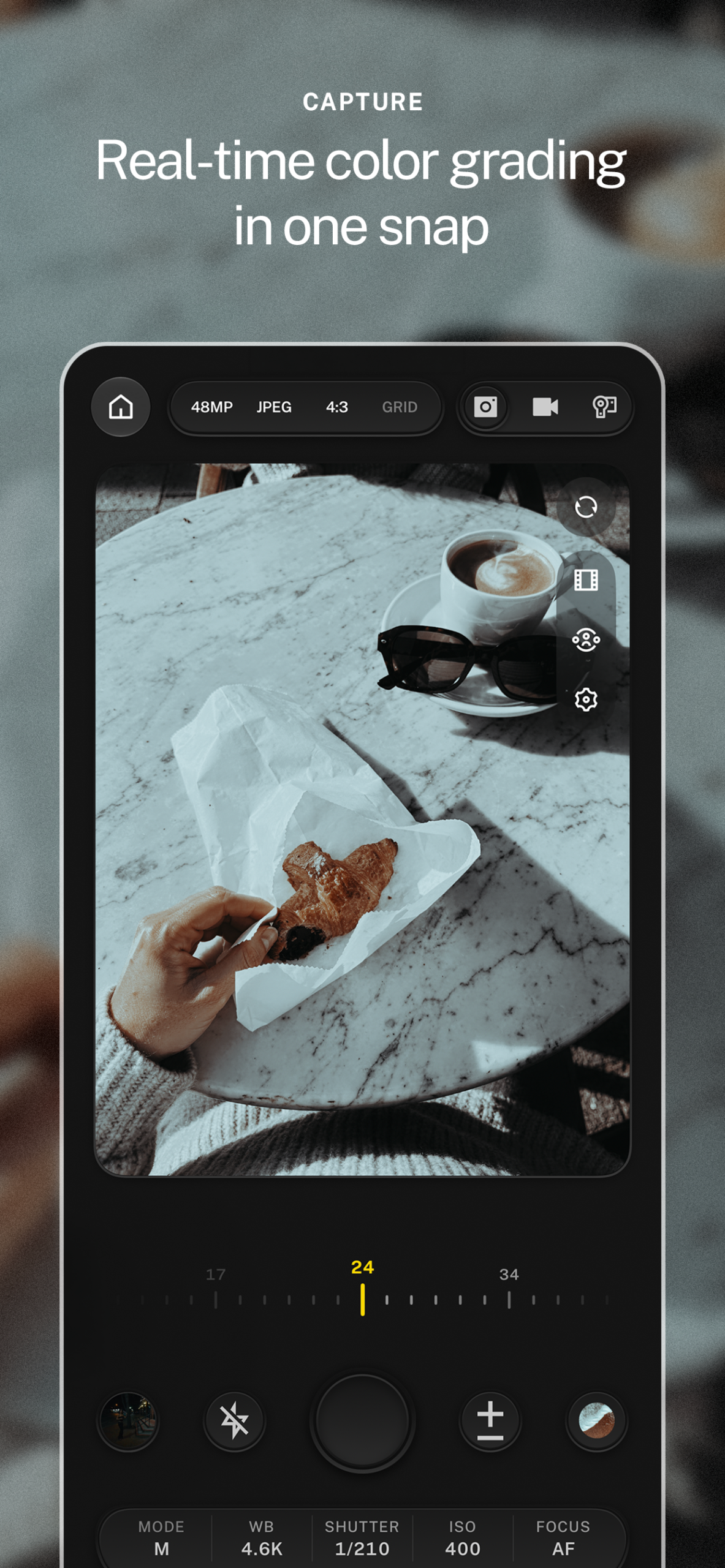
A Rig is your whole camera setup: mode, frame rate, quality, white balance, ISO, and shutter, saved as one thing. In 1.8.6, sharing a Rig opens the standard Lookdrop sheet with a QR code drawn in round dots, the same way you would expect from a modern camera app rather than a plain black and white square. Someone scans it with their phone and the Rig opens in Lookdrop directly, no web page in between. Rigs also live in the camera’s gear sheet now, so you can reach them without leaving the viewfinder.
Library Feels Native
Select mode uses the system bottom toolbar, so the buttons match the rest of iOS and react like real controls. The filter is a native checklist, the same pattern Apple uses in Photos, and Select and Filter are separate buttons instead of one crowded group.
Explore Tells You What Is New
- The Explore tab and the bell carry a badge when there is new activity, and the badge no longer hides behind the glass.
- Today’s Look showcases more community images, mixed by engagement with room for newer work.
- Section titles carry a chevron on the right instead of a See All link, one tap and you are in.
Camera and Reels
- The manual bar keeps its pill shape in landscape, and the camera header keeps the same side spacing as the viewfinder on every screen size.
- The light on the camera body follows the direction of the interface as it rotates, in one clean step rather than a wobble.
- Reels no longer flips to landscape on a slight tilt. Hold the phone closer to a true landscape, or turn on Respect Orientation Lock in settings to leave it alone entirely.
Studio
New Project sits in the Studio header as a glass button, next to Recent Projects. In Canvas, stretching the horizontal spacing of a text line no longer makes the second word disappear or break onto a new line.
Fixes and Polish
- Every toolbar group uses the system’s own spacing and circle shapes, so nothing reads as a copy of native controls.
- Save, confirm, and next buttons are tinted in your accent color with a white icon, the way Apple does it.
- Other people’s profiles no longer flash the Lookdrop background before loading.
- The text in the manual bar is centered again.
What To Try First
Set up the camera the way you like it, save it as a Rig, and share the QR code with someone who shoots with you. Their camera will be set up the same way in one scan.